
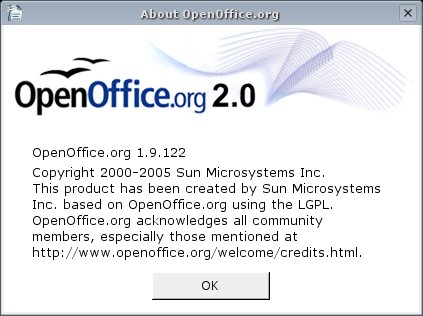
Yep! It’s true. I am now running OpenOffice.org 1.9.122 on my AMD64 Gentoo Linux box. The biggest problem with this setup is that OO needs a 32-bits version of Java and this is not available normally (as it is replaced (sensibly) by a 64-bits JVM). Here’s how I succeeded:
- Emerge glibc-2.3.5-r1 (which is still ~amd64) because of some compatibility issues
(1) echo "=sys-libs/glibc/glibc-2.3.5-r1 ~amd64" >> /etc/portage/package.keywords

(2) emerge -av glibc - Manual install of a 32-bits Java SDK or JRE
Go to http://java.sun.com/ and download a 32-bits Java SDK or JRE and install it manually at a suitable place (e.g. /opt/nonportage/j2sdk1.4.2_06/). I personally use a relatively old SDK which I downloaded some months ago and everything seem to work well…
- Emerge the latest OpenOffice.Org 2.0 Beta
The 2.0 Beta is ~amd64 and hard-masked. Looks like paranoia to me :-)
echo "=app-office/openoffice-bin-1.9.122 ~amd64" >> /etc/portage/package.keywords

echo "app-office/openoffice-bin" >> /etc/portage/package.unmask

emerge -av =openoffice-bin-1.9.122 - Modify some environment variables and run OpenOffice once
export JDK_HOME=/opt/nonportage/j2sdk1.4.2_06

export JAVA_HOME=${JDK_HOME}

export JAVAC=${JDK_HOME}/bin/javac

export PATH=${JDK_HOME}/bin:${JDK_HOME}/jre/bin:${PATH}

export MANPATH=${MANPATH}:${JDK_HOME}/man

/opt/OpenOffice.org/program/soffice
Of course, replace /opt/nonportage/j2sdk1.4.2_06 by the path you used when installing the 32-bits JDK or JRE.
Enjoy! OpenOffice will remember the location of the 32-bits Java SDK or JRE and you won’t need to modify any environment variables afterwards…
Leave a Reply