
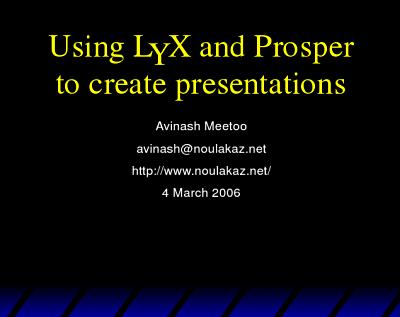
LyX is a document processor which acts as a frontend to LaTeX. LyX is mostly used to write articles, reports and books.
LyX can also be used to create presentations (a la Powerpoint or OpenOffice Impress) if a suitable document class is installed (think of a document class as a predefined layout). One example of such a layout is Prosper.
As the documentation for Prosper is difficult to read, I have written my own in PDF format. Here is the LyX file to generate this nice PDF.
Please feel free to comment…
Who needs LyX when there’s Thumbstacks (http://www.thumbstacks.com/)? Web 2.0 rules (sometimes)! :)
LyX is fantastic if you use a lot of mathematical formulae in your documents (owing to the LaTeX backend).
I use LyX a lot at work to prepare tests, exams and labsheets. Now that I’ve discovered Prosper, I’ll (try to) start using it for lecture notes also (currently I use Openoffice Impress).
the link above to Prosper doesn’t seem to be functional.
Thanks for pointing this out Ram. I’ve corrected the link.